
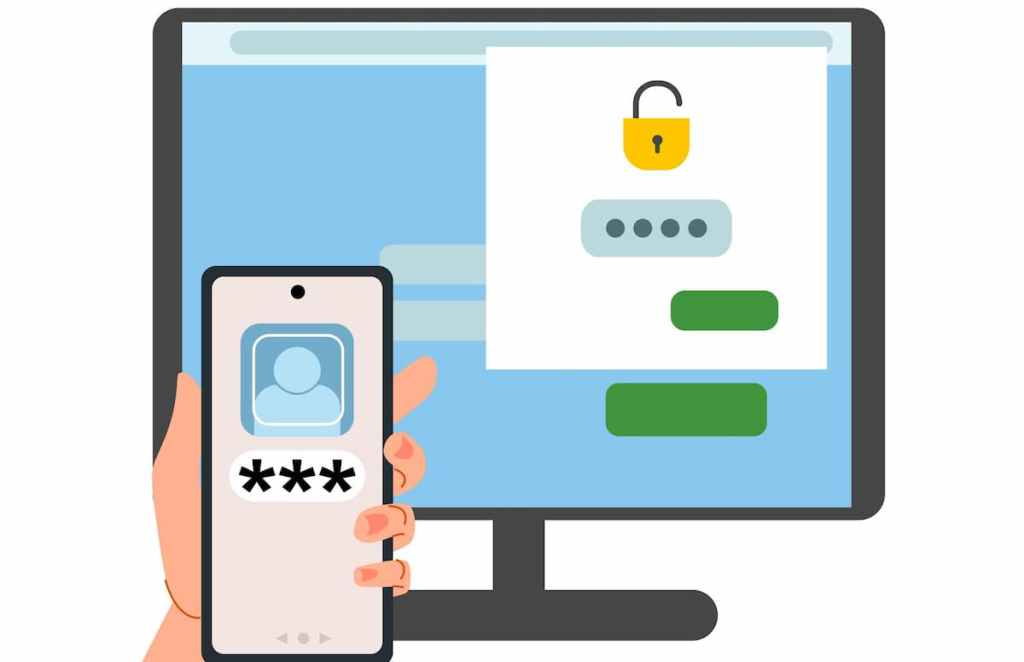
An authenticator is an app you install on your phone that generates a time sensitive security code. These codes are used as a second authentication method along with your password when you log into your accounts. This login process is called multi-factor authentication (MFA).
More websites are now offering MFA to keep your accounts secure. When MFA is an option you should use it, passwords alone are not enough to protect your accounts from cybercriminals.
MFA is like having a second lock on your door because it adds another layer of security beyond a password. If a thief (hacker) gets your “key” (password), they still can’t get in because they don’t have the second “key” (a code sent to your authenticator app). This makes your accounts significantly more secure.
Most websites that offer MFA give you several ways to obtain the key, which can include an authenticator app, text message, email, hardware token and biometric verification. When choosing between an authenticator app or text message choose the authenticator app. Text message can be intercepted. Authenticator apps are significantly more secure because the codes are generated locally on your device and aren’t transmitted over a network.
The two authenticator apps I recommend are Google Authenticator and Microsoft Authenticator. The apps can work offline and don’t need an internet or cellular connection to create the codes. The one-time code generated by an authenticator app will regenerate every 30 seconds. Because the code changes so often it narrows the time frame for a possible attack.
One of the most common ways hackers are able to break into your accounts is by using phishing to obtain your credentials, so even if they are able to obtain your password, they won’t be able to access your accounts if you are using an authenticator app because they won’t be able to provide the second security key.
Once you install the app you will add websites by going through a simple setup process which is usually just scanning a QR code. Authenticator apps offer a strong and convenient way to secure your online accounts.
 Zealous Quickly